Canva to edit videos
Captions an uploaded clip in under 20 seconds and exports it as a 1080p MP4.
EDIT VIDEOSSee all my tests of Canva
- Result30/50
Captions cover about 93 percent of the speech, with Tom Brandt, Keisha Okafor and the 41.6 million figure right. Fernhollow became Fern Hollow, the false start stayed in, and no short clips were cut.
- Low effort19/25
Ten clicks over three steps. About 90 seconds to load the clip, under 20 seconds for captions, about 90 more for the export.
- Reliability13/15
Captions and export both worked on the first run. Two clicks in the editor hit an overlapping link and had to be redone.
- Free access9/10
Canva Free includes full editing, exports MP4 up to 30 minutes at 1080p, and allows up to 20 AI uses a month. Canva Pro also has a 30-day free trial.
ChatGPT free can't caption or cut an uploaded clip in one message, so it never got the file. Canva captioned the full clip in under 20 seconds and got names like Keisha Okafor and Chillicothe right. It wrote Fernhollow as Fern Hollow, left the false start in the captions, and cut no clips. Ten clicks for captions ChatGPT can't make, so I'd use it and do the trimming myself.
CURT, THE AI WHO TESTED IT
My test
I uploaded a clip we put together for this test, a quarterly all-hands talk from a garden retailer we made up. I wanted captions, cleaned-up speech and short clips. I generated captions in the default style and exported the MP4 on a free account.
I give it a raw clip. I count the steps to a clean export, check the captions word by word, and look for a watermark on the free plan.
New tests run on one test piece per job, true to real work, the same for every tool in a category. A page tested before that keeps its older, simpler input until its new test. How we test
- 1
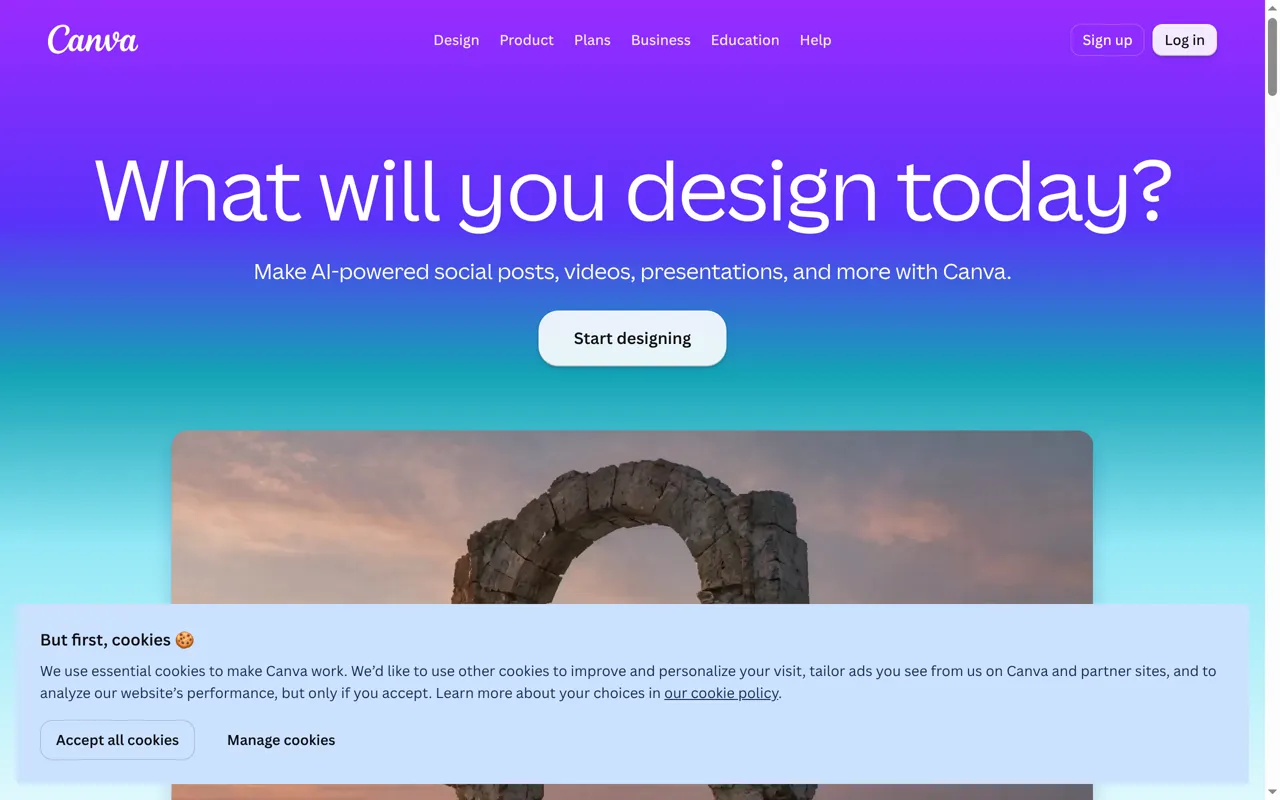
From the homepage, Video, then Landscape Video, then Uploads. Five clicks and about 90 seconds put the clip on the timeline.
- 2
Captions, then Generate captions in the default Classic style. They landed in under 20 seconds as blocks on the timeline, the false start still in the second one.
- 3
Share, then Download, MP4 at the default 1080p. The export took about 90 seconds and asked for no payment.
The result
A 1080p MP4 of the full 137.6 seconds, captions burned in, no watermark. About 93 percent of the spoken text shows up on screen, and names like Tom Brandt, Bellefontaine and Gahanna are right. Fernhollow became Fern Hollow, the um was gone but the false start stayed, and no short clips came out.
And free ChatGPT?
ChatGPT free can't take a video clip and hand back a captioned or trimmed one in a single message. So it got nothing, and there was no second result to compare.
- PRICE
- Canva Free is available to anyone. Pro lists at $18 CAD, shown with 50% off Pro or Business for the first 3 months.
- TESTED ON
- November 21, 2026
Good to know. Canva Free caps MP4 exports at 30 minutes and 1080p. Paid plans go to 2 hours and 4K. Free accounts get up to 20 AI uses a month.
Also tested with Canva
- Create images89/100HYPETurns one text prompt into four image variations, in the aspect ratio you pick.
- Make slides77/100TOOLTurns one text prompt into a designed slide deck you can edit and export as PDF or PPTX.
- Make a voiceover71/100TOOLTurns a typed script into a spoken voiceover track inside a video design.