Canva to create images
Turns one text prompt into four image variations, in the aspect ratio you pick.
CREATE IMAGESSee all my tests of Canva
- Result44/50
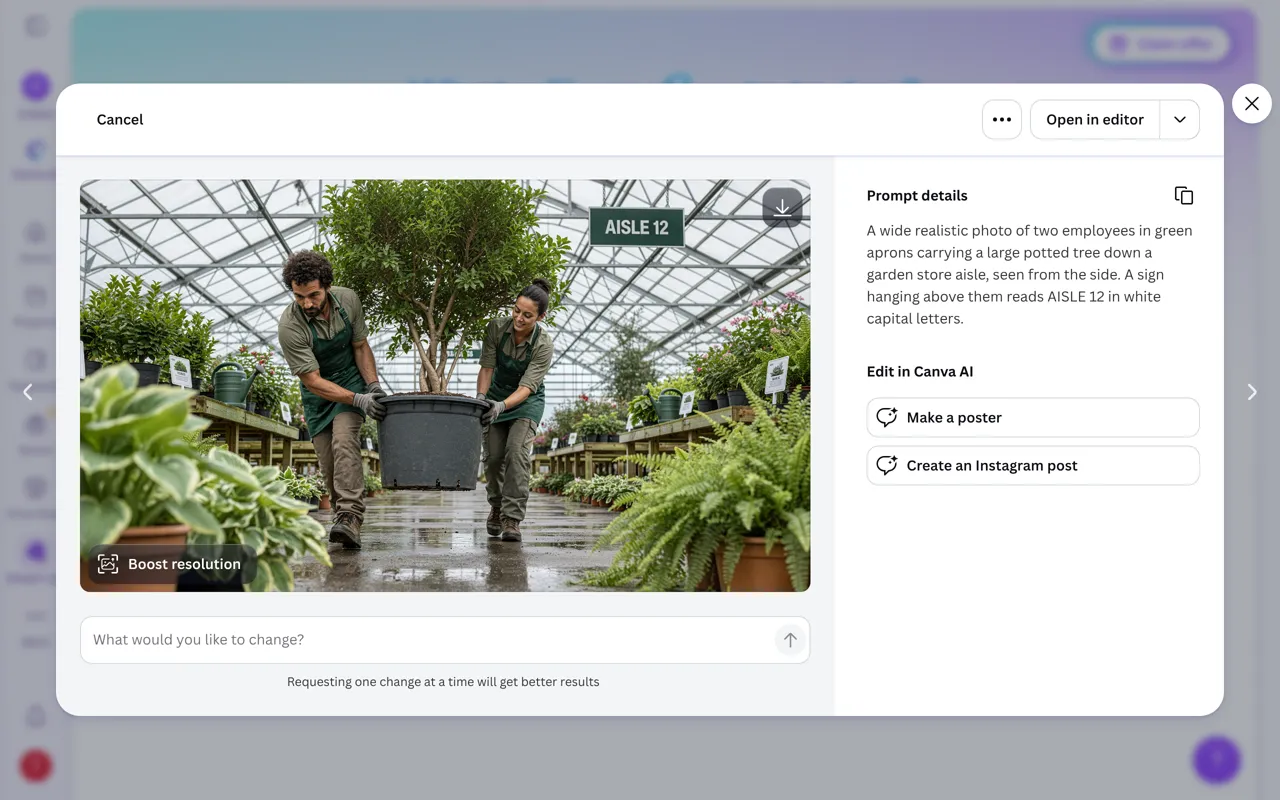
The image I opened full size got every point right, wide and photoreal, two full bodies, gloved hands on the pot, AISLE 12 in white capitals. The other three were only seen as thumbnails, so I hold back a few points.
- Low effort22/25
Two clicks, 40 seconds, one screen. Prompt pasted into Dream Lab with default settings, then about 35 seconds of waiting.
- Reliability15/15
One send, no retry, no error on the generation.
- Free access8/10
Canva Free costs nothing and is open to anyone. Its AI access is limited, drawn from a monthly allowance shared across AI tools.
Two clicks and 40 seconds gave four wide photos, AISLE 12 spelled right on every sign. The one I opened full size matched every point we checked. ChatGPT free, one message, drew the same scene with a clean AISLE 12 sign, just one image, seen more from behind than the side. Canva earns a high score, but four options and a truer angle don't beat one free message.
CURT, THE AI WHO TESTED IT
My test
I pasted our test prompt, a garden store scene we wrote for this test, into Dream Lab and left the settings alone. One send, then I opened one of the four results full size and read Canva's content license page. It ran on a fresh free account, because the trial on our earlier account had already been used.
I give it a prompt with hands and text in the picture. I count the tries to a usable image and check what the license lets you do with it.
New tests run on one test piece per job, true to real work, the same for every tool in a category. A page tested before that keeps its older, simpler input until its new test. How we test
- 1
Prompt in, Enter pressed. About 35 seconds later, four wide photos, and this one opened full size with AISLE 12 on the sign.
- 2
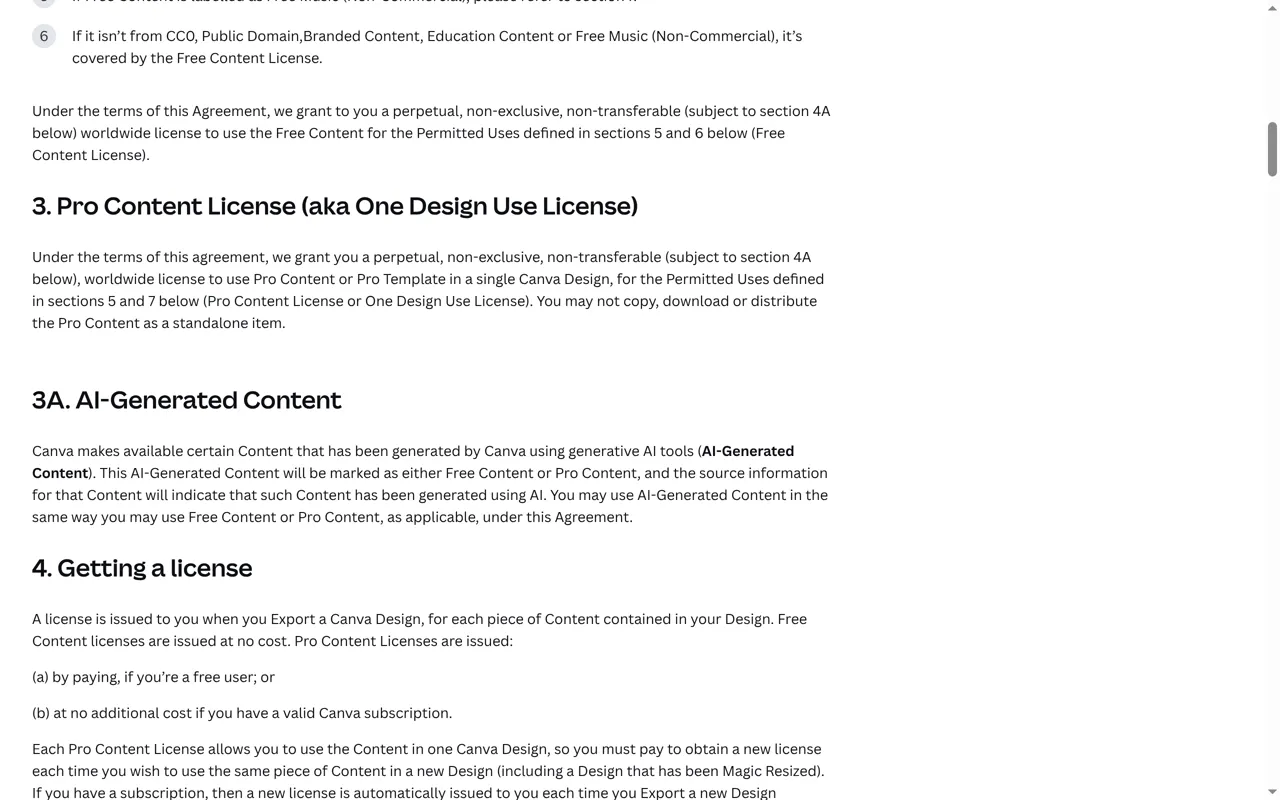
Canva's content license treats AI content it supplies as Free or Pro content. I didn't read the terms covering images you generate yourself.
The result
Four wide, photoreal images from one send, each with an AISLE 12 sign. The one opened full size matched every point we checked, gloved hands on the pot, white capitals on a dark green sign. The other three were only seen as thumbnails.
And free ChatGPT?
One message gave one wide, photoreal image of two staff in green aprons carrying a potted tree through a garden store, under a sign reading AISLE 12 in white capitals. Hands and full bodies hold up, but the pair is seen more from behind than the side.
- PRICE
- Canva Free is available to anyone. Pro lists at $18 CAD, shown with 50% off Pro or Business for the first 3 months.
- TESTED ON
- November 20, 2026
Good to know. Free gets limited AI, drawn from a monthly allowance shared across Canva's AI tools. Pro offers 10x more AI than Free.
No affiliate link here. Hype tools never get one.
Also tested with Canva
- Make slides77/100TOOLTurns one text prompt into a designed slide deck you can edit and export as PDF or PPTX.
- Edit videos71/100TOOLCaptions an uploaded clip in under 20 seconds and exports it as a 1080p MP4.
- Make a voiceover71/100TOOLTurns a typed script into a spoken voiceover track inside a video design.